
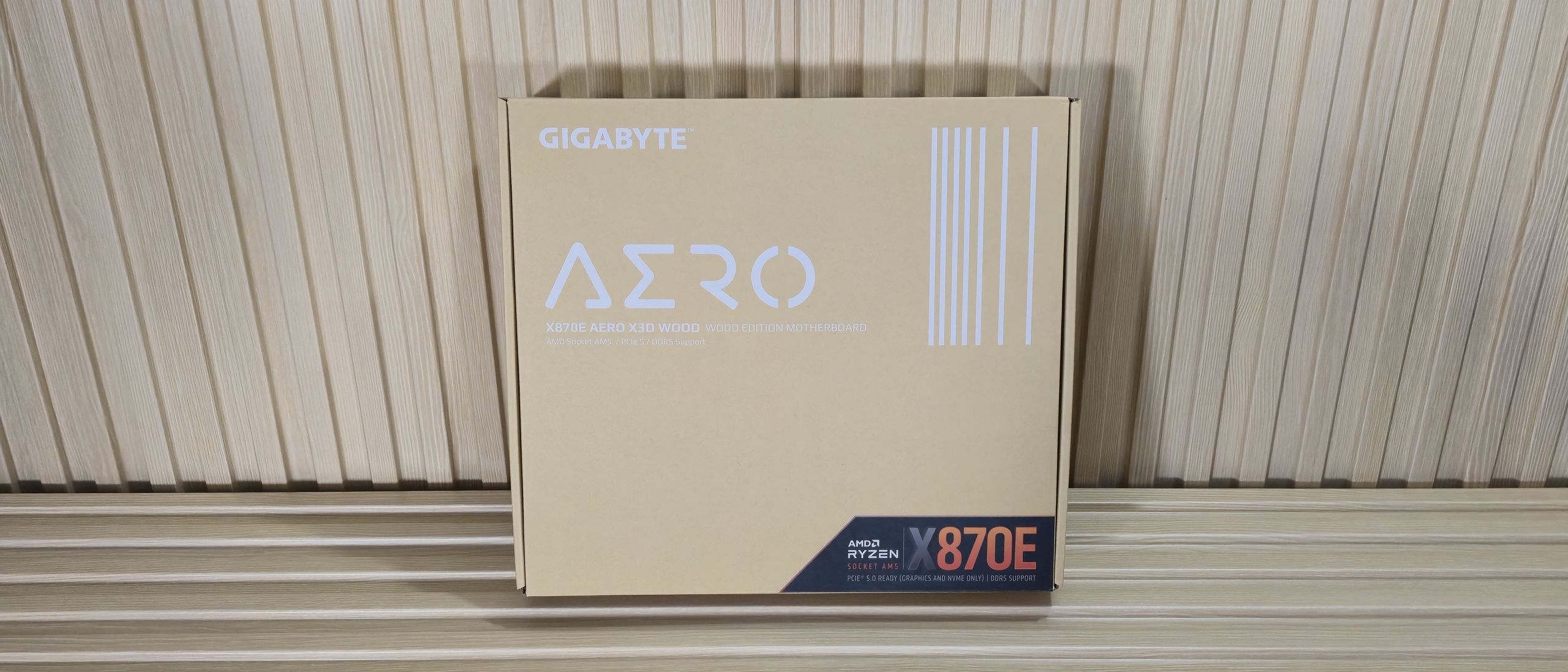
Overall, we really like the wood accents on this white/silver board. The integrated white RGBs add to the premium vibe and show off the light-colored wood accents. It can certainly be polarizing, though; you either want a white motherboard with wood accents, or you don’t. And if it’s in the realm of possibility, this is arguably one of the better light color boards for the platform. But the Aero Wood’s aesthetic is far from the only reason to buy the board.
Focusing on the top half of the board, we get a better look at the wood accent and plastic shroud used to diffuse some of the white LEDs' light shining through. There’s plenty of mass and surface area on the separate heatsinks to dissipate heat from any compatible processor. Above that are two 8-pin EPS power connectors (one required) for the CPU.
Moving right, past the socket, we find four white DRAM slots with locking mechanisms on both sides. Gigabyte lists support for kits up to DDR5-9000, but you’re only likely to get that high using an APU instead of a traditional desktop-class processor, as they have better IMCs. We didn’t have any issues with our DDR5-7200 kit on the 9900X, and no problems with the DDR5-8000 kit using ourf APU. These supported speeds are well past AMD’s sweet spot, leaving plenty of room for overclocking your RAM. Chances are, your CPU and cooling will limit you before the board becomes a bottleneck.
Above the DRAM slots are three (of eight) 4-pin fan headers. Each header supports PWM- and DC-controlled devices, and all outputs deliver 2A/24W. You can control the headers via the BIOS’ Smart Fan 6 functionality and Gigabyte's Control Center (GCC) software. Just to the right of the fan headers is the first RGB header – in this case, a 3-pin ARGB. The RGB Fusion app inside GCC adjusts any attached RGBs to your liking.
Working down the right edge, we run into the 4-LED and 2-Character debug LEDS. Per usual, after POST, the 2-character debug port displays temperatures. Both are good for troubleshooting POST issues and give you a clue where the problem may be. Next is the 24-pin ATX connector for powering the board, followed by the front HDMI port. Behind that, towards the RAM slots, are two 2-pin thermistor headers for additional monitoring capability. Last but not least is the front panel USB 3.2 Gen 2×2 (Type-C) header.
The VRMs on the X870E Aero X3D Wood consist of 20 phases, with 16 dedicated to Vcore (in a parallel power design). Power heads from the 8-pin EPS connector(s) in the top-left corner, and on to a Richtek RT3678BE controller. From there, it moves to the On Semiconductor 55A NCP302155R Dr. MOS MOSFETs. Curiously, Gigabyte lists these as 60A on their webpage when the data sheet shows 55A (average, 80A peak). We reached out to Gigabyte for clarity and will edit in any updates. That said, it’s not the most robust power delivery, but it easily handled our Ryzen 9 9900X and will work fine with more power-hungry processors like the Ryzen 9 9950X or the recently released Ryzen 9 9850X3D . Your cooling will get in the way before the VRMs.
On the bottom half of the board, hiding under the wooden accent piece is the audio section. Under the hood is a last-gen flagship Realtek ALC1220 codec, which should work well for an overwhelming majority of users. I would like to see the latest 408X series codec, as most of the competition uses it at this price point, but you’ll likely only notice the difference on the spec sheet.
In the middle of the board are three full-length PCIe slots, with the top two using reinforcement. The top two PCIe slots connect to the CPU, and both support PCIe 5.0. The top slot runs at PCIe 5.0 x16, while the bottom supports PCIe 5.0 x8. When the middle PCIe slot is populated, the top slot drops to x8 (so it’s x8/x8 when both are in use). The bottom full-length slot connects through the chipset and offers PCIe 4.0 x4 bandwidth.
Mixed in among the slots and under heatsinks are four M.2 sockets. The top socket (M2A_CPU), with its own M.2 EZ-Match magnetic attachment system, is the first PCIe 5.0 x4 socket and supports up to 80mm modules. Under the plate-style M.2 EZ-Match heatsink are three other sockets. The first here (M2B_CPU) also connects via the CPU, running at PCIe 5.0 x4 (128 Gbps), and supports up to 110mm devices. Like many boards, there is some lane sharing, and with the USB4 ports. When a device is installed in M2B_CPU, both downgrade to x2 speeds. You can move all bandwidth to the M.2 socket, but you’ll lose both USB4 Type-C ports on the rear IO. We've also included many images of the active IC's for the board. The Aero Wood uses a couple of different brands, including On Semiconductor (VRMs), Realtek (Audio, USB, Ethernet), and Richtek (PWM controller).
(Image credit: Future) (Image credit: Future) (Image credit: Future) (Image credit: Future) (Image credit: Future) (Image credit: Future) Past the chipset heatsink and on to the right edge, we see the four SATA ports, a 19-pin USB 3.2 Gen 1 (5 Gbps) connector, and two 4-pin fan headers. Along the bottom are several headers, ranging from the front panel to fans and supplemental PCIe power, and more. We’ve listed them all below, from left to right.
The rear IO on the Aero X3D Wood is busy with several ports, connectors, and buttons. Starting on the left is an HDMI (v2.1) port for use with integrated graphics on some processors. Next to that are four buttons with various functionality (power, reset, clear CMOS, and Q-Flash Plus). Next to that are a slew of USB ports. Three Type-C along the bottom (two 40 Gbps, one 20 Gbps) and eight Type-A ports (four 10 Gbps in red, three 5 Gbps in blue). Eight Type-A should be enough for most users, especially if you’re already using some Type-C. Above the blue USB ports are the two Realtek 5 GbE ports, and next to that, the Mediatek-based Wi-Fi 7 (5.8 Gbps). Finally, on the right is the audio stack with two 3.5mm (mic in, line out) and the SPDIF output. No complaints here on the layout or what’s there.
Current page: Gigabyte X870E Aero Wood Features and Specifications
Key considerations
- Investor positioning can change fast
- Volatility remains possible near catalysts
- Macro rates and liquidity can dominate flows
Reference reading
- https://www.tomshardware.com/pc-components/motherboards/SPONSORED_LINK_URL
- https://www.tomshardware.com/pc-components/motherboards/gigabyte-x870e-aero-x3d-wood-motherboard-review-wood-and-leather-make-it-better#main
- https://www.tomshardware.com
- Claimed 1,100% increase in AI-driven layoffs in 2025 might be misleading — firms accused of exaggerating AI performance to downplay poor business performance
- AMD's future 'Medusa Halo' APUs could use LPDDR6 RAM — new leak suggests Ryzen AI MAX 500 series could have 80% more memory bandwidth
- Accelerating Science: A Blueprint for a Renewed National Quantum Initiative
- This Xbox One S mod hides a full Windows gaming PC within the original shell — sleek design retains a working optical drive
- Nemotron Labs: How AI Agents Are Turning Documents Into Real-Time Business Intelligence
Informational only. No financial advice. Do your own research.