
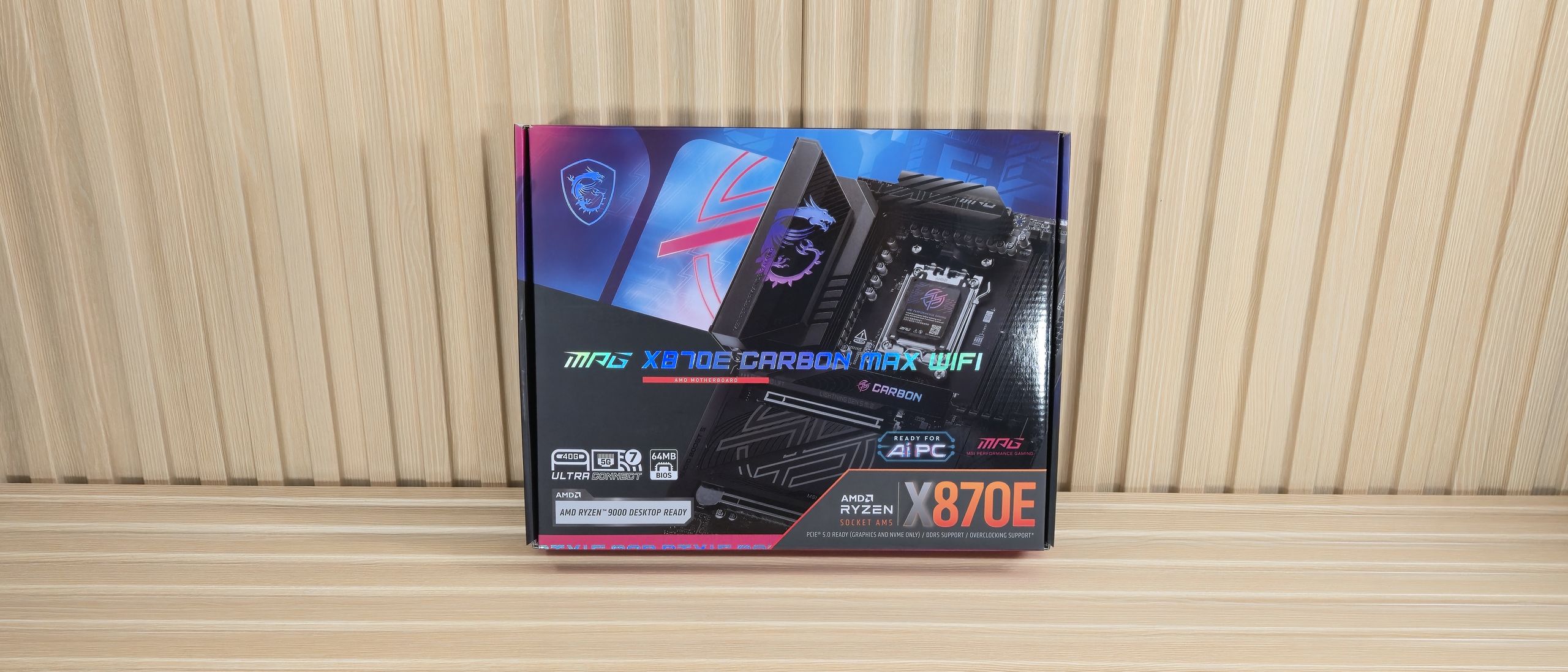
Moving right and past the socket area, the next thing we see are four DRAM slots, with a single locking mechanism at the top (where you have more room for access). MSI lists support for up to DDR5-9000 (with an APU, 8400 MT/s with a desktop-class processor), which is well past AMD’s sweet spot. Our DDR5-7200 kit worked without issue with the desktop-class CPU. With our recently acquired Ryzen 5 8600G APU, the board also happily ran our Klevv DDR5-8000 kit.
Just above the RAM slots are the first three (of seven, plus the JAF header, detailed in the next paragraph) four-pin fan headers. Each header supports both PWM- and DC-controlled devices, with the output varying for each. The system fans are the lowest at 1A/12W, CPU_FAN1 next at 2A/24W, and the PUMP-SYS1-2 header (defaults to PWM mode) is the most at 3A/24W. This is plenty of power for most cooling systems. If you’re pushing the limits, be sure to connect the supplemental PCIe (6-pin) power to ensure the board can safely output all that juice.
Working our way down the right edge, we find another fan header and the first 3-pin ARGB header. MSI Control Center and the company’s Mystic Light application control the integrated RGBs and those attached to the headers. Next up is the two-character debug (a new, smaller, less chunky version than we’ve seen), 24-pin ATX power for the board, and the combo JAF_2 header that combines fan, USB, and RGB into one connector (EZ Con-cable included).
Power delivery on the X870E Carbon Max consists of 21 total phases, with 18 dedicated to Vcore. Power heads from the 8-pin EPS connector(s) in the top-left corner, then to a Renesas RAA229620 controller. From there, it moves to the 18 Renesas R2209004 110A SPS MOSFETs. It’s a robust solution that matches the more expensive X870E Ace Max and will handle anything you throw at it, including the Ryzen 9 9950X or the purported Ryzen 9 9950X3D2 .
On the bottom half of the board, hidden under a metal shroud labeled Audio Boost 5 on the left side, is the audio section. The Carbon Max uses the mid-range Realtek ALC4080 codec. You won’t find any fancy DAC/AMPs, but this audio solution will be fine for an overwhelming majority of users.
In the middle are three full-length PCIe slots for graphics and expansion. The top two slots connect to the CPU. The top slot, which is primary for graphics and runs at PCIe 5.0 x16, uses the EZ PCIe release button, while the middle slot runs at PCIe 5.0 x8. If the second slot is populated, the top slot drops to x8 as well. The bottom x4 slot connects through the chipset and supports PCIe 4.0 x4.
Among the slots are four M.2 sockets, with a fifth on the back of the board. The top two sockets, M.2_1/2, source their bandwidth from the CPU and run up to PCIe 5.0 x4 (128 Gbps) while supporting up to 80mm devices. M.2_3/4/ receive their bandwidth from the chipset and all run up to PCIe 4.0 x4 (64 Gbps) while supporting 80mm devices (M.2_3 supports up to 110mm).There is some bandwidth sharing; M.2_2 shares with the USB4 Type-C ports. So when that specific M.2 socket is used, bandwidth drops to x2 speeds for both. Like PCIe lanes, you can force an x4 connection, but you’ll lose both USB4 ports in the process. If you have many M.2 drives and would like to use the full bandwidth of the USB4 ports, do not populate M.2_2.
Past the one-touch plate heatsinks to the right edge, we run into the front-panel USB 3.2 Gen 2×2 (20 Gbps with 27W charging) connector, followed by four SATA ports and two 19-pin USB 3.2 Gen 1 (5 Gbps) connectors—standard fare, and again, the same as on the more expensive Ace Max. We also included images of several chips used on the board. MSI uses mainly Realtek (audio, USB, PWM controller, ASMedia (USB4), and Renesas (PWM and MOSFETs).
(Image credit: Future) (Image credit: Future) (Image credit: Future) (Image credit: Future) (Image credit: Future) (Image credit: Future) (Image credit: Future) Along the bottom are several headers, ranging from the front panel to fans and supplemental PCIe power, and more. From left to right, we’ve listed them below. One item worth mentioning is the supplemental PCIe power connector for additional board power, so the board can actually output everything it’s rated for as well as the 2-pin Direct OC jumper (connect a simple button to raise/lower BLCK manually).
The rear IO on the X870E Carbon Max is full of connectivity, including 13 USB ports. Starting on the left, there are six (of nine) USB 3.2 Gen 2 (10 Gbps, red) ports, followed by the HDMI output and the two USB-C 40 Gbps ports. In the middle are three convenient buttons: BIOS Flashback, Clear CMOS, and a programmable Smart button. Next to that are the two Ethernet ports, 5 and 2.5 GbE, respectively, while below that are the other three USB 3.2 Gen2 ports. Finally, on the right is the quick-connect Wi-Fi 7 (fast 5.8 Gbps) and audio stack (two 3.5mm and SPDIF out)—plenty of ports to go around.
Current page: MSI X870E Carbon Max Wifi Features and Specifications
Key considerations
- Investor positioning can change fast
- Volatility remains possible near catalysts
- Macro rates and liquidity can dominate flows
Reference reading
- https://www.tomshardware.com/pc-components/motherboards/SPONSORED_LINK_URL
- https://www.tomshardware.com/pc-components/motherboards/msi-mpg-x870e-carbon-max-wifi-review#main
- https://www.tomshardware.com
- Corsair's new 3200D mid-tower case redefines airflow and component compatibility — the case perfectly pairs with rear-connector motherboards
- Jensen Huang says gamers are 'completely wrong' about DLSS 5 — Nvidia CEO responds to DLSS 5 backlash
- Get 32GB of DDR5 RAM for an effective price of $101 thanks to this Newegg AM5 bundle — buy a 9850X3D, premium MSI X870E Max motherboard, and 32GB of V-Color RAM
- Seller gets scammed as eBay customer returns $4,000 RTX 5090 with missing GPU core and memory modules — fully working Zotac stripped of most valuable components
- Precision Hall-Effect controls and a 45% saving on Razer's latest Wolverine V3 Tournament Edition game controller — get yours for just $54 in this limited-time
Informational only. No financial advice. Do your own research.