
When you purchase through links on our site, we may earn an affiliate commission. Here’s how it works .
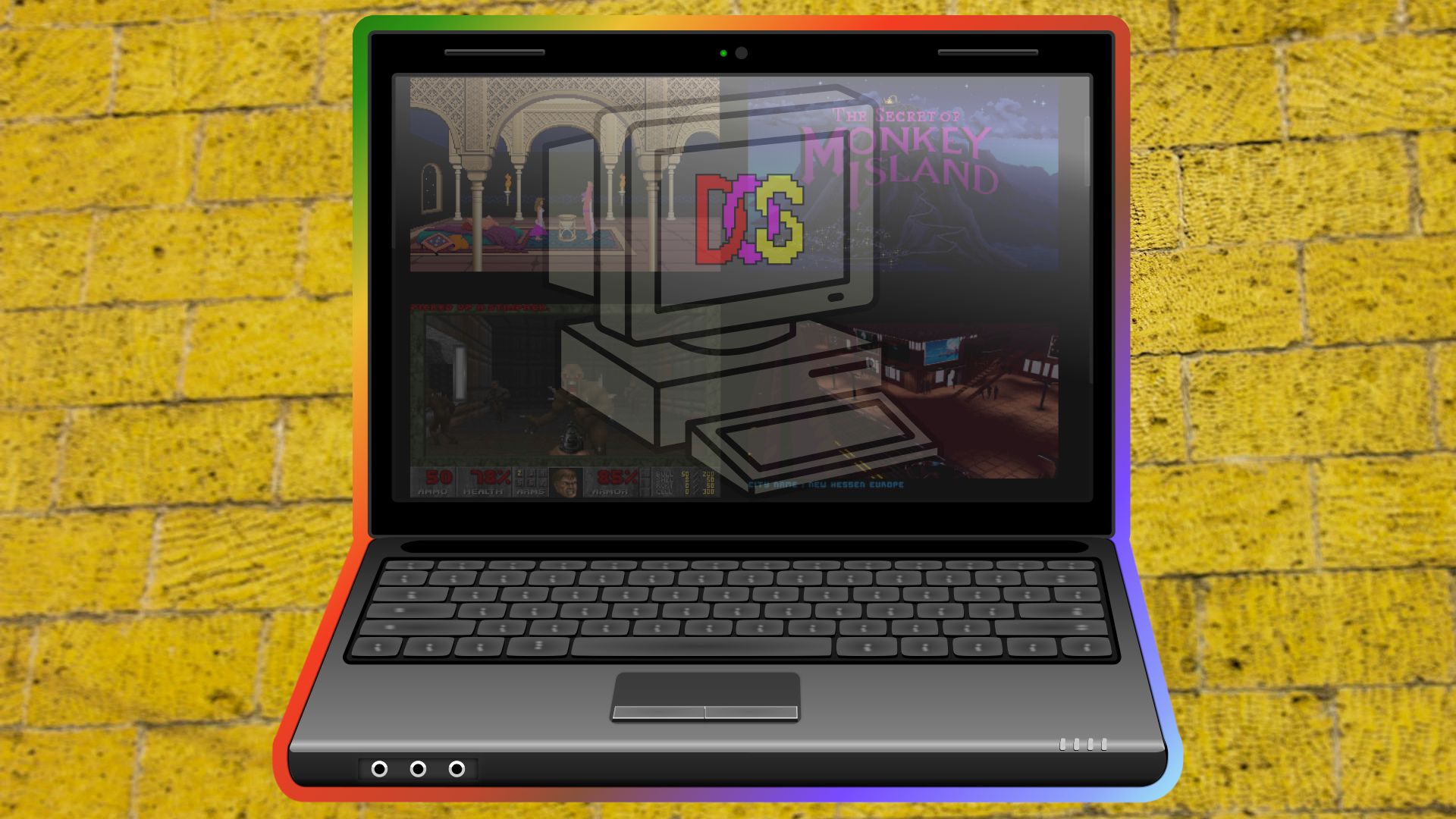
(Image credit: Future, OpenClipArt, Pexels) Jump to: What games can I play with DOSBox Pure Unleashed? Setting up DOSBox Pure Unleashed Loading a game via DOSBox Pure Unleashed DOSBox Pure Unleashed Hotkeys Using Save States DOSBox Pure Unleashed User Interface Am I limited to just DOS games? What have we achieved? In this how-to, I will show you how to set up, configure, and tweak DOSBox Pure Unleashed to play DOS and Windows-era games.
In the early 1990s, I moved from my beloved Commodore Amiga setup to a 486 DX 33 build. I loved that machine, but the march of progress soon saw Intel’s Pentium and Microsoft Windows 95 make my 486 look like a joke. But for a brief moment, I was content with a slew of classic games that my 486 DX 33 with 4MB of RAM could handle. Star Wars: X-Wing, The Secret of Monkey Island, and Star Trek: 25th Anniversary, these games entertained teenage me, and I wish that I could go back in time and play them.
Well, now I can, and best of all, I don’t need to create any virtual machines, nor do I need to find drivers for antique hardware. DOSBox Pure Unleashed makes retro PC gaming as easy as console gaming. All you need is a modern-day PC and access to your favorite games.
DOSBox Pure Unleashed makes retro PC gaming easy by using console-style workflows that contain games in ZIP, ISO, and other disk image formats.
DOSBox Pure Unleashed can play MS-DOS and Windows games with little or no configuration.
Windows 95, 98, and XP can be installed in a custom virtual machine to create your own portable retro-gaming rig.
Game states can be saved and reused to tackle tricky quests and missions. Save, try, die, and repeat until you beat that boss.
If you love PC games from the 1980s and 1990s, then you have found paradise. DOSBox Pure Unleashed is made for those of us who spent hours escorting Rebel fleets and protecting them from Imperial inspection, shooting demons back to hell, or rescuing a princess before the sand timer ran out. The games that we loved on our 386, 486, and early Pentium machines are now as easily playable as our console games.
But, where do we get the games from? The first thing I have to say is that most older games are still under copyright. They may be listed as abandonware on many sites across the Internet, but somebody, somewhere, will hold a license and may just enforce it. If you want a legal means to get old games, your choices are eBay, yard sales, or GoG.
I chose GoG for my games, downloading the game files using the GoG app, and then telling DOSBox Pure Unleashed where to find them. Of course, GoG also uses DOSBox to run older games on modern PCs, making it the ideal means to illustrate how DOSBox Pure Unleashed works.
Setup is really easy, essentially just a single download, followed by running the executable.
Get Tom's Hardware's best news and in-depth reviews, straight to your inbox.
Key considerations
- Investor positioning can change fast
- Volatility remains possible near catalysts
- Macro rates and liquidity can dominate flows
Reference reading
- https://www.tomshardware.com/software/SPONSORED_LINK_URL
- https://www.tomshardware.com/software/retro-pc-gaming-the-easy-way-with-dosbox-pure-unleashed#main
- https://www.tomshardware.com
- Corsair's premium SFF case sees a massive 70% price drop to $59 — iCUE Link 2500X hits a new historic low
- Modern motherboard features explained: Connectors, headers, ports, and chipsets decoded
- NVIDIA AI Physics Transforms Aerospace and Automotive Design, Accelerating Engineering by 500x
- Nvidia's RTX 5000 Super could be cancelled or get pricier due to AI-induced GDDR7 woes — rumor claims 3 GB memory chips are now too valuable for consumer GPUs
- Biwin NV7200 2TB SSD Review: The Budget Winner
Informational only. No financial advice. Do your own research.