
When you purchase through links on our site, we may earn an affiliate commission. Here’s how it works .
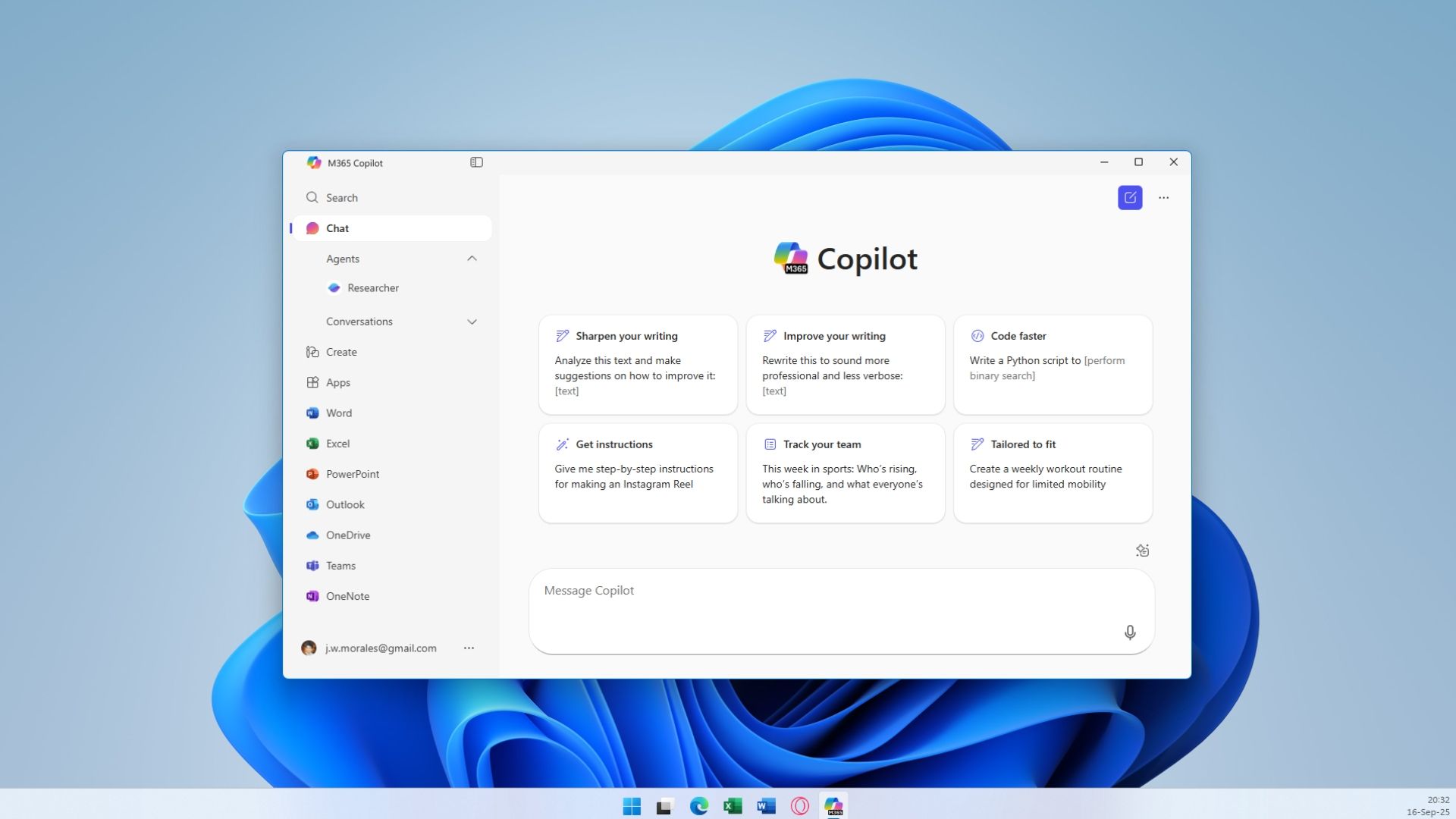
(Image credit: Tom's Hardware) Windows is becoming more AI-focused with every passing update, and the latest major revision — 25H2 — added so many AI features that some might genuinely be opposed to upgrading. Most of the additions are opt-in, while others work automatically in the background, and Microsoft has already said how it wants Windows to become an agentic OS one day. But what if you don't?
That's where this new script comes in, claiming it can rid your operating system of all the AI shenanigans Microsoft has piled on.
"RemoveWindowsAI" is a script created by zoicware , available on GitHub , that does exactly what it says: remove every AI feature in Windows 11 , while guiding users to disable others that require manual intervention. It runs from a PowerShell console where you have to type out a simple command. There's a list of all the options, like Copilot and Recall, that can be disabled with the Registry Keys command, or by hiding AI components in the Settings app.
Microsoft's new agentic AI features introduce new security risks introduced by AI, like prompt injection
Ditching Windows 10? Here's how I installed Windows 11, removed AI, and stripped out unnecessary features
Goodbye, Windows 10 — how a decade of 'progress' eroded users' command over their own machines
All the details for getting the script up and running are on the GitHub page, along with a YouTube tutorial you can follow. The creator says any new AI features added in preview builds won't be targeted with this script until they become a part of the stable release channel that sends out updates to everyone. This makes sense because, otherwise, there'd be simply too much to deal with since Insider builds are Microsoft's testing playground for AI.
There's also a separate guide for manually disabling AI features that the script can't handle, including Gaming Copilot, OneDrive AI, and Windows Studio Effects — all pretty simple toggles. As mentioned before, any new features that do become part of mainline Windows will be added to the script or at least the GitHub page if they require conscious action.
We tested it ourselves, and it works just as intended; the GUI command is easier to use if you're not comfortable playing around with admin settings. There's a "?" icon next to every toggle that explains what that feature does, too. There's even a "Revert Mode" toggle to restore all the AI functionality you've disabled, so you're not losing these features forever. The goal is to put the choice in the user's hands, as always.
Follow Tom's Hardware on Google News , or add us as a preferred source , to get our latest news, analysis, & reviews in your feeds.
Get Tom's Hardware's best news and in-depth reviews, straight to your inbox.
Key considerations
- Investor positioning can change fast
- Volatility remains possible near catalysts
- Macro rates and liquidity can dominate flows
Reference reading
- https://www.tomshardware.com/software/windows/SPONSORED_LINK_URL
- https://www.tomshardware.com/software/windows/this-github-script-claims-to-wipe-all-of-windows-11s-ai-features-in-seconds-removewindowsai-can-disable-every-single-ai-feature-in-the-os-from-copilot-to-recall-and-more#main
- https://www.tomshardware.com
- Chinese Navy base 3D imaged to 50cm resolution in single satellite pass — US spatial intelligence firm boasts accurate high-res 3D terrain map took just 10 hour
- Robots’ Holiday Wishes Come True: NVIDIA Jetson Platform Offers High-Performance Edge AI at Festive Prices
- NVIDIA Awards up to $60,000 Research Fellowships to PhD Students
- UK government unveils AI-driven undersea surveillance network used to find enemy subs — 'Atlantic Bastion' designed to counter Russian submarine activity
- Trump approves Nvidia H200 exports to China, with 25% fee attached — report suggests that companies will have to follow strict Beijing rules to import foreign c
Informational only. No financial advice. Do your own research.