
When you purchase through links on our site, we may earn an affiliate commission. Here’s how it works .
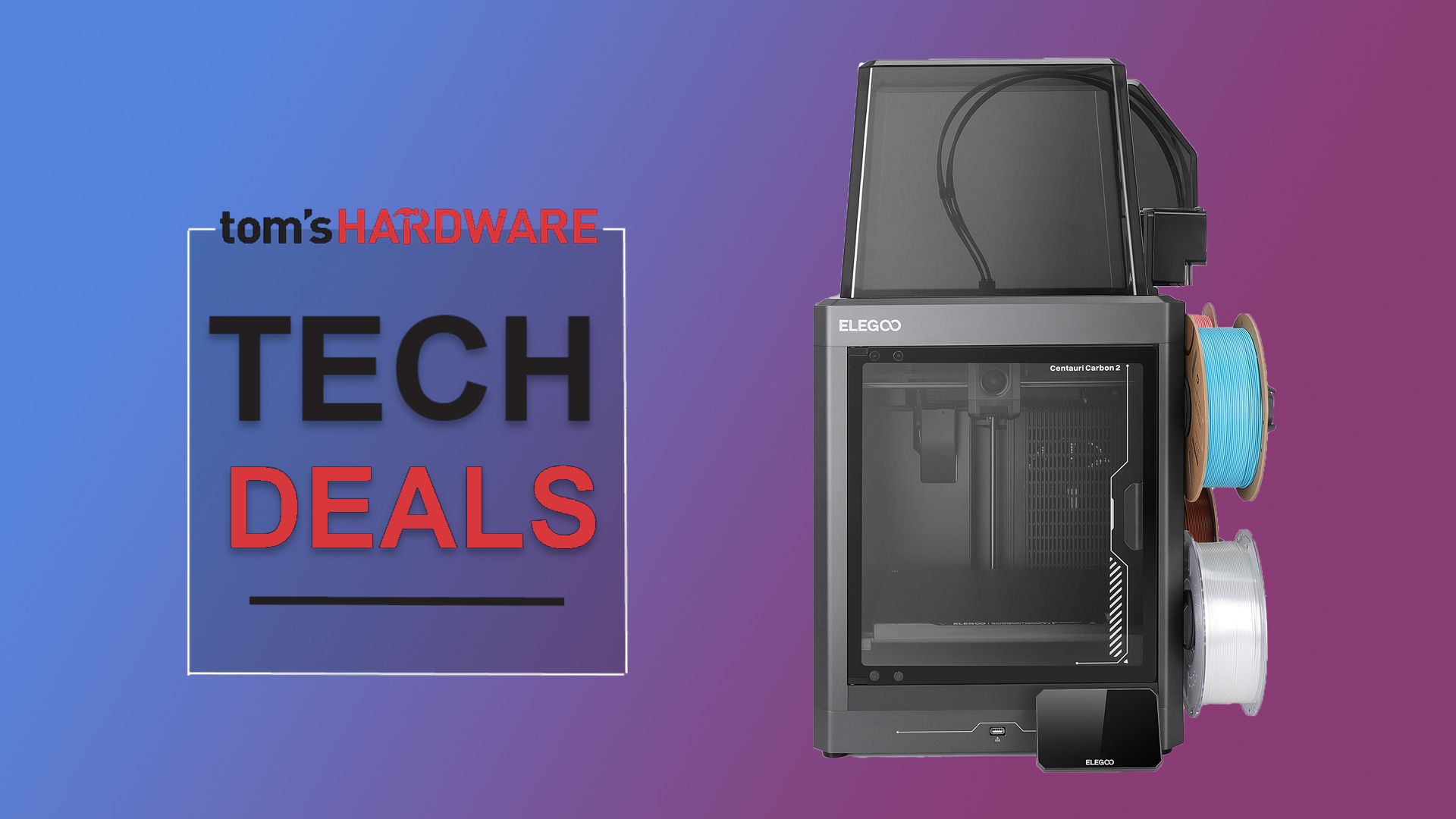
The Centauri Carbon 2 is a family-friendly 3D printer targeting beginners and hobbyists. It essentially replaces the Centauri Carbon and features four spool holders, a multi-material system, and a large touch screen with an easy-to-understand UI. It even offers reliable calibration and auto bed leveling thanks to its 31 intelligent sensors.
The Elegoo Centauri Carbon 2 combo offers a build volume of 256 x 256 x 256 mm and supports multi-material and multi-color 3D printing on a budget.
Offering a total build volume of 256 x 256 x 256 mm, it comes with a hardened steel nozzle capable of heating filament as high as 350-degrees celsius. It also features a smart temperature control system, allowing you to keep the front door closed during printing. In terms of print speeds and acceleration, the company claims a maximum acceleration of 20,000mm/s² and 500mm/s top print speed. The printer also comes with the CANVAS system that offers seamless 4-color printing, instant color switching, and smart filament detection. Elegoo notes that the printer offers support for a variety of materials, including PLA, PETG, TPU, ABS, ASA, and PET.
The Centauri Carbon 2 Combo is a solid recommendation especially when compared to other multi-color 3D printers currently available in the market. It offers a fairly large build volume, fast print speeds, and a wide ecosystem support. If you have been planning to get started with multi-material or multi-color 3D printing without spending a fortune, the current discounted price of $399 makes the printer an excellent option to consider.
If you're looking for more savings, check out our Best PC Hardware deals for a range of products, or dive deeper into our specialized SSD and Storage Deals, Hard Drive Deals , Gaming Monitor Deals , Graphics Card Deals , Gaming Chair , Best Wi-Fi Routers , Best Motherboard, or CPU Deals pages.
Kunal Khullar is a contributing writer at Tom\u2019s Hardware.\u00a0 He is a long time technology journalist and reviewer specializing in PC components and peripherals, and welcomes any and every question around building a PC. ","collapsible":{"enabled":true,"maxHeight":250,"readMoreText":"Read more","readLessText":"Read less"}}), "https://slice.vanilla.futurecdn.net/13-4-23/js/authorBio.js"); } else { console.error('%c FTE ','background: #9306F9; color: #ffffff','no lazy slice hydration function available'); } Kunal Khullar Social Links Navigation News Contributor Kunal Khullar is a contributing writer at Tom’s Hardware. He is a long time technology journalist and reviewer specializing in PC components and peripherals, and welcomes any and every question around building a PC.
btrek I actually agree with a lot of the praise the Centauri Carbon 2 Combo is getting. The printer is fast, produces genuinely impressive print quality, and is one of the most beginner friendly CoreXY systems I’ve used. I own several Elegoo printers and overall I’ve had very good experiences with the brand. That said, there appears to be a serious design flaw involving the filament cutter detection system that is affecting a growing number of users. The issue typically presents itself as Error 1231 / “Filament Cut Failed,” which completely breaks automatic filament unloads and color swaps. Once this starts happening, the CANVAS multi color system is essentially unusable. The frustrating part is that even if the cutter physically works and the filament is actually being cut, the firmware still hard fails because it cannot validate the hall sensor state. There is currently no supported firmware bypass or “continue anyway” option, so the printer effectively loses all automated multi color capability. After extensive troubleshooting, including disassembling the print head, inspecting the gearbox, verifying cutter movement, confirming the filament is physically severed, and testing multiple filaments and CANVAS ports, the root cause appears tied to the cutter detection sensor design itself. The hall sensor is mounted to the fan shroud, which is only secured by a single screw and can become slightly misaligned very easily. The sensor wiring is also extremely thin and fragile. Multiple users have reported broken wires, failed solder joints, damaged connectors, and cutter detection board failures. There are already several Reddit and Facebook discussions documenting these exact symptoms and repairs: Users reporting cutter sensor board failures and solder joint issues Users replacing cutter detection boards after Error 1231 issues Reports of fragile sensor cables breaking during normal maintenance Complaints about weeks long waits for replacement parts or support responsesI’ve personally attempted to contact Elegoo support multiple times and so far have only received automated responses. The replacement part is not readily available through normal channels either, forcing some users to source third party parts from China or attempt board level repairs themselves. To be clear, I still think the printer itself is very capable and produces excellent output. This does not feel like a “bad printer.” It feels like a weak point in the cutter sensor and firmware validation design that Elegoo may be struggling to support at scale right now. I genuinely hope Elegoo addresses this with: a redesigned sensor assembly stronger cable design better mounting alignment improved firmware fault tolerance and readily available replacement partsBecause when the system works, the CC2 is honestly an excellent machine. Until then though, you may want to hold off. Reply
Key considerations
- Investor positioning can change fast
- Volatility remains possible near catalysts
- Macro rates and liquidity can dominate flows
Reference reading
- https://www.tomshardware.com/pc-components/SPONSORED_LINK_URL
- https://www.tomshardware.com/pc-components/elegoos-centauri-carbon-2-combo-3d-printer-gets-a-usd50-discount-brings-beginner-friendly-3d-printing-at-usd399#main
- https://www.tomshardware.com
- Nvidia is finally ditching its iconic GPU Control Panel after 20 years — new driver updates only ship in the Nvidia App
- Commercial satellite supplying intel to Ukraine is cornered by four Russian spacecraft — US Space Force can only watch as Russia threatens 'quasi-civilian' targ
- Electronics buff hand-draws and etches custom PCBs at home — functional home-etched PCB runs a 3D-printed fume extractor fan
- Drone breaks world speed record with 453 mph in test run — exotic sawtooth carbon fiber propeller blades one of the key advances in the Blackbird design
- License to Stream: ‘007 First Light’ Coming to GeForce NOW With an Ultimate Bundle
Informational only. No financial advice. Do your own research.