
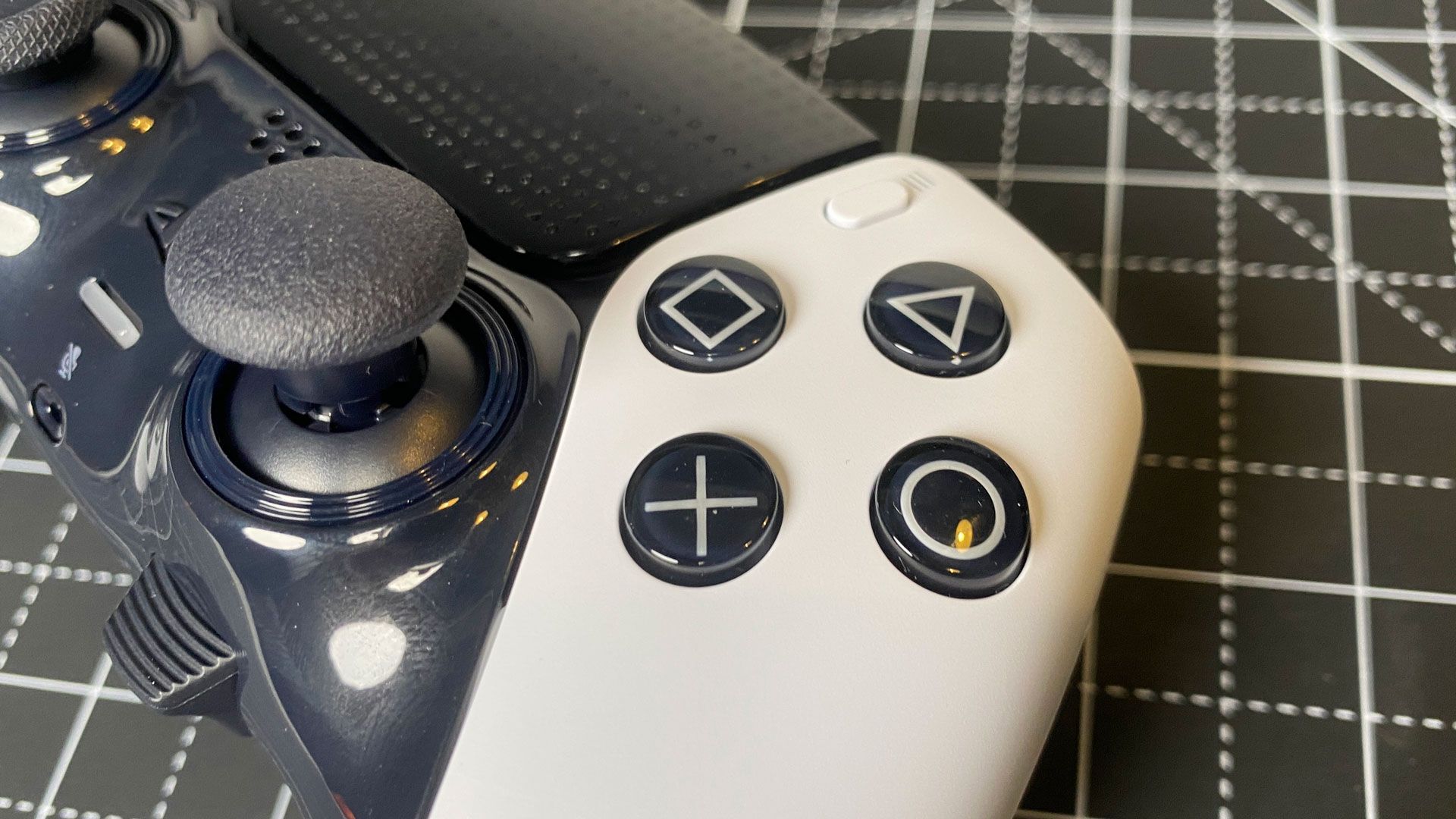
Windows Bluetooth can’t carry the DualSense’s full data stream, so without the new DS5Dongle you miss several of its cool features.
When you purchase through links on our site, we may earn an affiliate commission. Here’s how it works .
The brains behind this project are provided by a developer known as awalol on GitHub, linked above. However, the video and Reddit announcement from SlaveKnightSoman neatly encapsulate the experience of using a DS5Dongle. The Redditor explains that they were attracted to this GitHub project as they had “spent way too much time trying to get the ‘PS5 Experience’ on PC without being tethered by a 3-meter cable.”
There are some technical reasons behind the reduced DualSense features on Windows PCs using wireless connectivity. Windows Bluetooth can’t handle the full non-standard use of Bluetooth bandwidth that Sony leverages to make its controllers work so well on the PS5. In contrast, the full gamut of controller features is available if Windows users use a wired version.
You may like 8BitDo launches Nintendo 64-inspired wireless controller with 2.4 GHz receiver that works on the N64 Valve Steam Controller review: Every input to PC game from the sofa Under $30, GameSir's Super Nova wireless controller has an unbelievable 40% slashed off the price in this limited-time offer This is where the new DS5Dongle comes in, and it is also succinctly described as a “Pico2W DualSense 5 Bridge” by the developer. In brief, the dongle pairs with the DualSense over Bluetooth, receives the full gamut of haptic, trigger, audio , and other controller data, then exposes itself to its Windows host as a wired DualSense , and neither side is the wiser.
As what might be described as a ‘handshake spoof’ rather than some kind of emulation or translation layer, the latency should stay low. The experience of Redditor SlaveKnightSoman goes a long way to confirming that important factor, and they assert that “I didn't feel any difference to wired. But I only play single player games.” See the Reddit embedded Days Gone gaming footage to help judge for yourself.
DS5Dongle plans, details, and other useful resources are available via GitHub, so you can make your own. SlaveKnightSoman says they built one for under $20, including the cost of the Raspberry Pi Pico 2W , central to the dongle’s functionality. That could be worth it if you feel that the DualSense is one of the best controllers out there.
Follow Tom's Hardware on Google News , or add us as a preferred source , to get our latest news, analysis, & reviews in your feeds.
Get Tom's Hardware's best news and in-depth reviews, straight to your inbox.
Key considerations
- Investor positioning can change fast
- Volatility remains possible near catalysts
- Macro rates and liquidity can dominate flows
Reference reading
- https://www.tomshardware.com/peripherals/controllers-gamepads/SPONSORED_LINK_URL
- https://www.tomshardware.com/peripherals/controllers-gamepads/homebrew-playstation-dualsense-controller-adapter-for-pc-can-be-built-for-just-usd20-with-a-raspberry-pi-pico-wireless-dongle-delivers-adaptive-triggers-and-haptic-feedback-to-gamers#main
- https://www.tomshardware.com
- OpenAI and Microsoft's alliance fractures as cloud exclusivity deal ends — Azure's single-provider monopoly for ChatGPT is officially over
- Autonomous AI at Scale: Adobe Agents Unlock Breakthrough Creative Intelligence With NVIDIA and WPP
- Save $800 on this Alienware Aurora 5080 desktop — 4K powerhouse with Intel Core Ultra 9 285K, 32GB of RAM, and 2TB of storage now just $2,899
- EXPO 1.2 only brings partial CUDIMM support due to lack of native IMC compatibility — Asus also working on updating older B650 and X670 boards with EXPO 1.2
- Newegg finally has a worthwhile Intel combo that includes memory, saving almost $240 — snag an Intel Core Ultra 7 270K Plus, ASRock Z890 motherboard, and 32GB o
Informational only. No financial advice. Do your own research.