
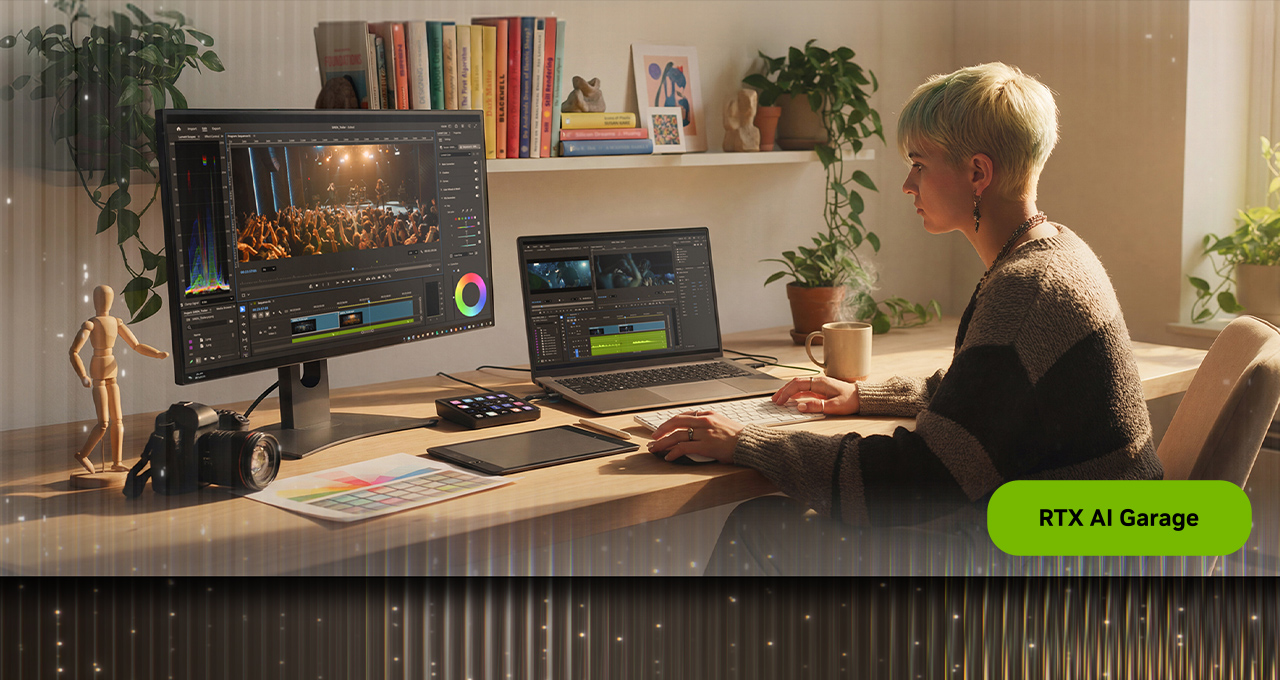
Designed to function as a dedicated grading environment nested directly within Premiere, it offers a clean, responsive interface that lets editors stay in their creative flow rather than relying on external tools for color correction. Tapping into GPU acceleration on NVIDIA GeForce RTX- and NVIDIA RTX PRO-equipped systems, this streamlined workflow, operating in 32-bit color depth for the first time, delivers significantly faster performance and quality.
NVIDIA also launched a new update to NVIDIA Project G-Assist — an experimental AI assistant that helps tune, control and optimize GeForce RTX systems.
Premiere’s Color Mode is a new clean, responsive interface within Adobe Premiere that enables editors to do color grading on native videos. Every element is designed to guide editors through the grading process without distractions. A large program monitor anchors the experience, providing immediate visual feedback as adjustments are made to enable faster decision-making and more precise control.
A clip grid view allows editors to visualize progression across shots in a sequence. This makes it easier to maintain consistency across scenes and ensure a cohesive look throughout a project.
Controls are organized into focused modules, each tailored to a specific aspect of color grading. Multiple modules can be active simultaneously, giving editors flexibility while maintaining clarity. Each control features a unique heads-up display (HUD), providing contextual guidance without cluttering the interface.
Color grading is one of the most computationally intensive tasks in post-production. Every adjustment — bidirectional controls, multi-zone tonal shaping and stacked color operations — runs on NVIDIA GPUs, accelerating playback, iteration and visual feedback.
Editors can work with up to six luminance adjustment zones, moving beyond traditional highlights, midtones and shadows models. This allows for more nuanced tonal control and finer adjustments across the image.
Visual scopes are context-aware, dynamically adapting based on the selected tool. HUD overlays provide visual cues directly within the scopes, helping editors understand how their adjustments affect the image without needing to interpret complex visual scopes and graphs.
The entire system now operates in 32-bit color depth precision, delivering maximum color fidelity and preventing unwanted clipping. Editors retain full control, with the ability to clip colors intentionally when needed for creative effect. Color styles can also be applied flexibly, at the sequence, clip, reel or custom group level, making it easier to manage looks across complex projects.
Download the Adobe Premiere (beta) to get started with Color Mode.
Key considerations
- Investor positioning can change fast
- Volatility remains possible near catalysts
- Macro rates and liquidity can dominate flows
Reference reading
- https://blogs.nvidia.com/blog/rtx-ai-garage-nab-adobe-premiere-color-mode/#primary
- https://blogs.nvidia.com/blog/author/joelpennington/
- https://blogs.nvidia.com/blog/rtx-ai-garage-nab-adobe-premiere-color-mode/#disqus_thread
- Mark Zuckerberg reportedly working on AI clone of himself — Meta insiders claim 3D photoreal animated Zuck will be able to engage with employees on his behalf
- No Need for Space Gear — Capcom’s ‘PRAGMATA’ Joins GeForce NOW on Launch Day
- Enermax Platimax II 1200DF power supply review: Powerful with Platinum level efficiency
- Pragmata PC performance tested: 18 GPUs take us to the Moon
- Press Start on April: GeForce NOW Brings 10 Games to the Cloud
Informational only. No financial advice. Do your own research.