
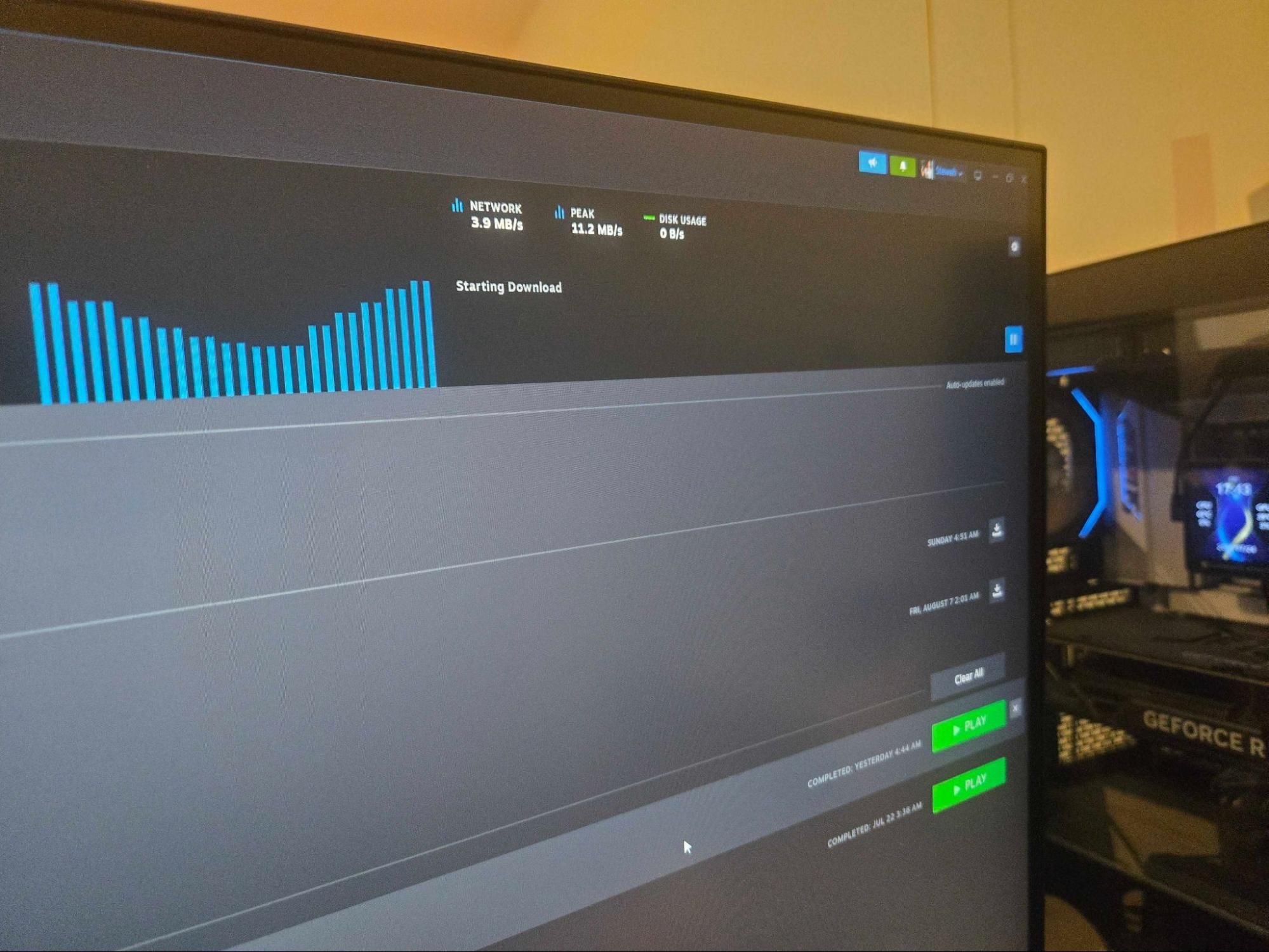
If you’re playing a game with a massive open world or large levels, there may be the occasional request for assets (textures, models, shaders, etc.), but the most important spec of your SSD in that scenario will be its IOPS speed, or random read speed. Write speeds typically do not affect active gameplay performance, as playing a game predominantly consists of read operations.
Patching the game, downloading the game, or copying a game file will make use of the SSD's read and write speeds. And if you use background recording programs like SteelSeries GG, Xbox Game Bar, or OBS, that will also make use of the drive speeds, but again, the effect on the actual gameplay is typically very minimal.
So, to answer my initial question, how much SSD storage and speed do you need for pure gaming? Well, you can use anything from PCIe 3.0 to PCIe 5.0; the impact of peak read and write speeds is often negligible if you aren’t playing a Direct Storage-capable title. Capacity is the most important factor, and you should base that on how many games you want to store on your system. If you want to choose your SSD to perform more than gaming, then the speeds start to matter, plus SSD features like DRAM and HMB, but that's another story.
Your choices will also be very much affected by pricing. If you can get a 4TB PCIe 4.0 SSD for the same price as a 2 TB PCIe 5.0 model, the choice is simple. However, we are in one of the toughest periods in recent memory for storage prices, and the usual rules don’t apply. Prices are all over the place, with PCIe 3.0 drives not necessarily cheaper than the more recent PCIe 4.0 and PCIe 5.0 drives. What was $80 a year ago is now $250 for the same product. To give you a small idea of prices and capacities, here are some of the most popular SSD drives with their PCIe generation, capacities, and prices.
Stewart Bendle is a deals and coupon writer at Tom's Hardware. A firm believer in \u201cBang for the buck\u201d Stewart likes to research the best prices and coupon codes for hardware and build PCs that have a great price for performance ratio. ","collapsible":{"enabled":true,"maxHeight":250,"readMoreText":"Read more","readLessText":"Read less"}}), "https://slice.vanilla.futurecdn.net/13-4-25/js/authorBio.js"); } else { console.error('%c FTE ','background: #9306F9; color: #ffffff','no lazy slice hydration function available'); } Stewart Bendle Social Links Navigation Deals Writer Stewart Bendle is a deals and coupon writer at Tom's Hardware. A firm believer in “Bang for the buck” Stewart likes to research the best prices and coupon codes for hardware and build PCs that have a great price for performance ratio.
USAFRet The effect that a superfast PCIe 5.0 SSD has on frame rates compared to a PCIe 3.0 SSD is virtually imperceptible, 4YoRKQy-UO4 View: https://www.youtube.com/watch?v=4YoRKQy-UO4 4DKLA7w9eeA View: https://www.youtube.com/watch?v=4DKLA7w9eeA GQ9LyNXpsOo View: https://www.youtube.com/watch?v=GQ9LyNXpsOo gl8wXT8F3W4 View: https://www.youtube.com/watch?v=gl8wXT8F3W4 Reply
usertests Aim for PCIe 4.0, settle for PCIe 3.0, even SATA if you really just want beyond-HDD storage, ignore PCIe 5.0 (and up in the future). PCIe 4.0 is even cheaper than 3.0 in this selection. DRAM vs. DRAMless debate might be more interesting. Last time I checked, many consumer drives had gone DRAMless and I'm sure the mempocalypse has only worsened the situation. Reply
Dementoss I have a Crucial T500, PCI-E 4, 2TB and bought before prices started rising. Plenty quick enough for my needs and, definitely my best option for some time to come. Reply
PEnns Hmmm, something positive ("positive" is relative here…) and a very strange supernatural phenomena happened here. Did Samsung lower their prices (for the 2 TB version, at least) ???? It used to be that a 2 TB SSD was always TWICE the price of a 1 TB SSD. But, according to the article (and Newegg search): 1TB Samsung 970 EVO Plus = $339.99 at Newegg 2TB Samsung 970 EVO Plus = $441.99 at Newegg Maybe the demand was "a wee bit" too low for 2 TB at $679.99…. Reply
derekullo "Even the oldest SSD technology would be an improvement over your optical disk" While technically correct, the best kind of correct, hard drives don't use lasers to read or write 😛 Even HAMR drives technically still use magnets to change the bit to a 1 or 0 …the high temperature only makes that change more precise. Reply
das_stig The biggest saver, don't go premium name, I personally think once we went PCIe3 speeds, the economy brands gave enough performance for vast majority of tasks that need mass storage, yes keep the boot drive on a fast premium model, I've still have plenty of space left over on my Samsung 970 EVO boot drive on AM4 system. Reply
Key considerations
- Investor positioning can change fast
- Volatility remains possible near catalysts
- Macro rates and liquidity can dominate flows
Reference reading
- https://www.tomshardware.com/pc-components/ssds/SPONSORED_LINK_URL
- https://www.tomshardware.com/pc-components/ssds/examining-the-best-options-for-pcie-ssds-during-the-rampocalypse-capacity-trumps-raw-speed-for-most-tasks#main
- https://www.tomshardware.com/membership
- Best in Class: Stream PC Games and Study on the Same Laptop With GeForce NOW
- Built for Vera Rubin, NVIDIA Spectrum-6 Arrives in Gigascale AI Factories
- NVIDIA Harnesses Vera CPU to Speed Up Design of Next-Generation CPUs and GPUs
- Bristol Myers Squibb Building Life Science Industry’s Most Advanced AI Factory on NVIDIA Vera Rubin
- Firm that uses AI to locate ancient lost shipwrecks is hiring a literal pirate to salvage sunken treasure, paying up to $500,000 a year — AI mines 500 years of
Informational only. No financial advice. Do your own research.